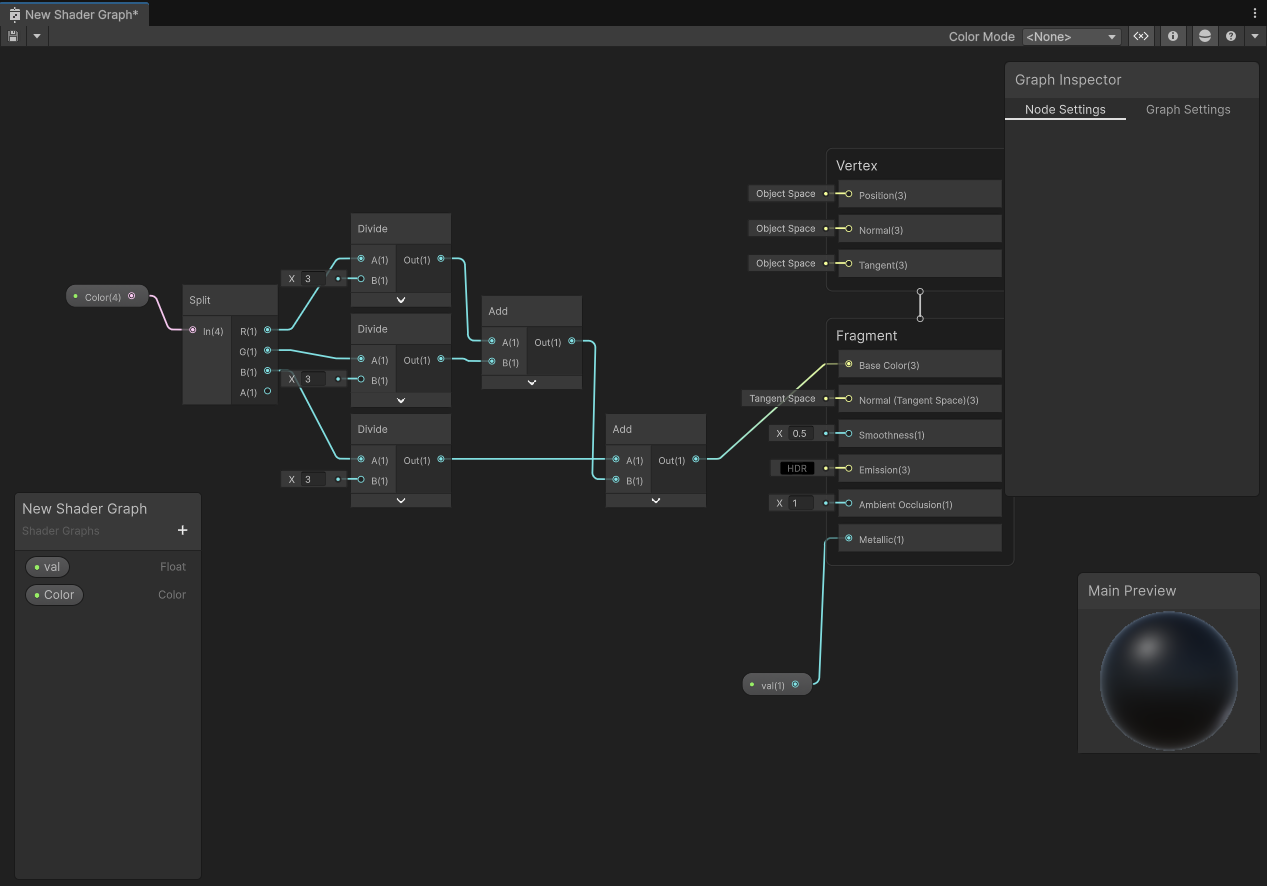
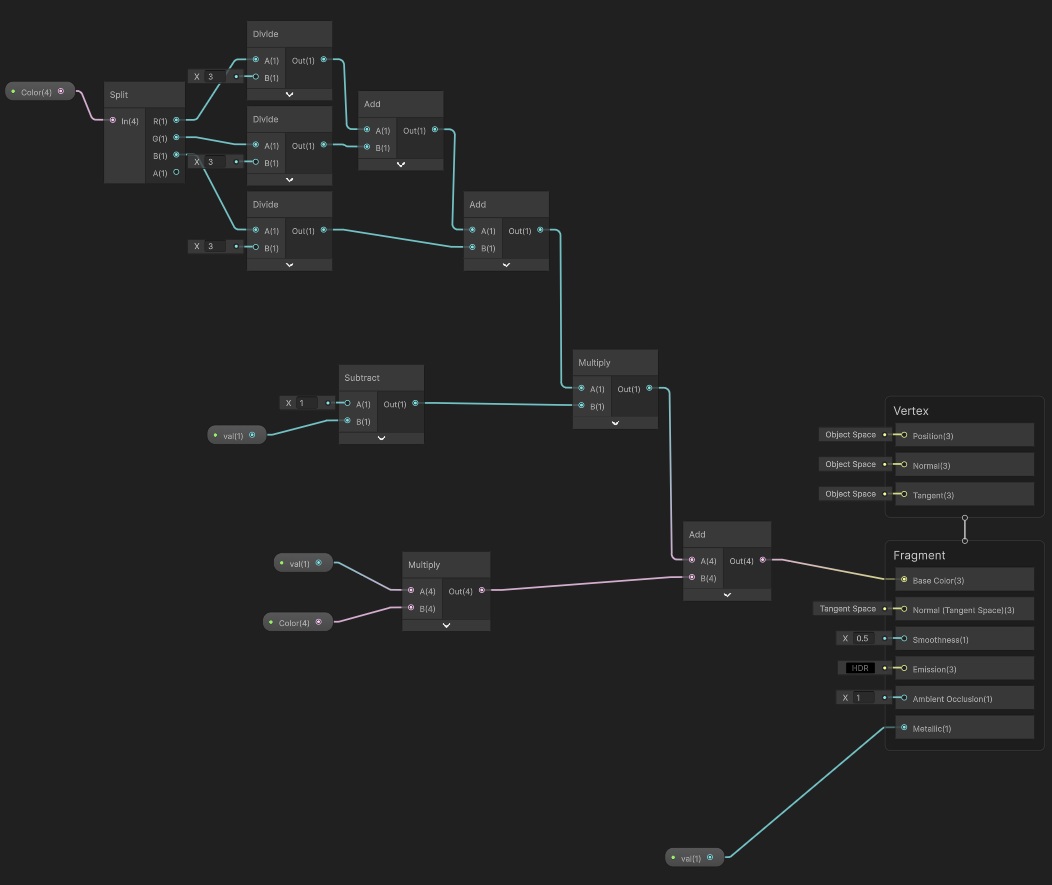
Shaderlab

상태 패턴 Rivision
▼ 밑에 코드를 리팩토링하자
using UnityEngine;
using UnityEngine.InputSystem;

[RequireComponent(typeof(Rigidbody))] // 이거 달면 , 옆 컴포넌트 알아서 달림
public class PlayerMovement : MonoBehaviour
{
    float moveSpeed = 5.0f;
    float jumpForce = 5.0f;

    Vector2 moveAmount;
    bool isJumpPressed;

    Rigidbody rb;

    private void Start()
    {
        rb = GetComponent<Rigidbody>();

        InputSystem.actions["Move"].performed +=
            ctx => moveAmount = ctx.ReadValue<Vector2>();

        InputSystem.actions["Move"].canceled +=
            ctx => moveAmount = Vector2.zero;

        InputSystem.actions["Jump"].started +=
            ctx => isJumpPressed = true;
    }

    private void Update()
    {
        Vector3 dir = new Vector3(moveAmount.x, 0, moveAmount.y);
        transform.position += dir * moveSpeed * Time.deltaTime;

        if(isJumpPressed)
        {
            rb.AddForce(Vector3.up * jumpForce, ForceMode.Impulse); // 폭발적인 힘
            isJumpPressed = false;
        }
    }
}
▼ FSM
using UnityEngine;
using UnityEngine.InputSystem;

public enum PlayerState
{
    Idle, Move, Jump
}


[RequireComponent(typeof(Rigidbody))] // 이거 달면 , 옆 컴포넌트 알아서 달림
public class PlayerMovement : MonoBehaviour
{
    float moveSpeed = 5.0f;
    float jumpForce = 5.0f;

    Vector2 moveAmount;
    bool isJumpPressed;
    PlayerState pState = PlayerState.Idle;

    Rigidbody rb;

    private void Start()
    {
        rb = GetComponent<Rigidbody>();

        InputSystem.actions["Move"].performed +=
            ctx => moveAmount = ctx.ReadValue<Vector2>();

        InputSystem.actions["Move"].canceled +=
            ctx => moveAmount = Vector2.zero;

        InputSystem.actions["Jump"].started +=
            ctx => isJumpPressed = true;
    }

    void HandleMove()
    {
        Vector3 dir = new Vector3(moveAmount.x, 0, moveAmount.y);
        transform.position += dir * moveSpeed * Time.deltaTime;
    }

    void HandleJump()
    {
            rb.AddForce(Vector3.up * jumpForce, ForceMode.Impulse); // 폭발적인 힘
            isJumpPressed = false;
    }

    private void Update()
    {
        // Update 2 Part
        // 1. 하나는 상태만 정의를 내림
        if (isJumpPressed)
        {
            pState = PlayerState.Jump;
        }
        else if(moveAmount != Vector2.zero)
        {
            pState = PlayerState.Move;
        }
        else
        {
            pState = PlayerState.Idle;
        }

        // 2. 상태를 보고 행동을 함
        switch (pState)
        {
            case PlayerState.Idle:
                break;
            case PlayerState.Move:
                // 애니메이터 모션 등
                HandleMove();
                break;
            case PlayerState.Jump:
                // 애니메이터 점프 모션 등
                HandleJump();
                break;
        }
    }
}