2D 스프라이트 애니메이션을 코드로 제어하는 방법
using System.Collections;
using System.Collections.Generic;
using UnityEngine;

public class SpriteAnimator : MonoBehaviour
{
    // 애니메이션을 위한 스프라이트
    public Sprite[] frames;
    public float frameRate = 0.1f;

    // 스프라이트 변경해줄 렌더
    private SpriteRenderer spriteRender;
    private int currentFrame = 0;

    // 사용할 코루틴
    private Coroutine animationCoroutine;
    private WaitForSeconds delay;

    private void Awake()
    {
        spriteRender = GetComponent<SpriteRenderer>();
        if(spriteRender == null)
        {
            Debug.LogError("SpriteRender null");
        }

        delay = new WaitForSeconds(frameRate);
    }

    // 켜질때
    private void OnEnable()
    {
        StartAnimation();
    }

    // 꺼질때 종료
    private void OnDisable()
    {
        StopAnimation();
    }

    // 애니메이션 코루틴 실행 함수
    private void StartAnimation()
    {
        if (animationCoroutine != null)
            StopCoroutine(animationCoroutine);

        animationCoroutine = StartCoroutine(PlayAnimation());
    }

    // 코루틴 종료 함수
    private void StopAnimation()
    {
        if (animationCoroutine != null)
            StopCoroutine(animationCoroutine);
    }

    // 코루틴을 통해 스프라이트 교체하는 함수
    private IEnumerator PlayAnimation()
    {
        while (true)
        {
            if (frames.Length > 0) // 재생할 스프라이트가 있으면
            {
                spriteRender.sprite = frames[currentFrame];
                currentFrame = (currentFrame + 1) % frames.Length; // 반복
            }
            yield return delay;
        }
    }
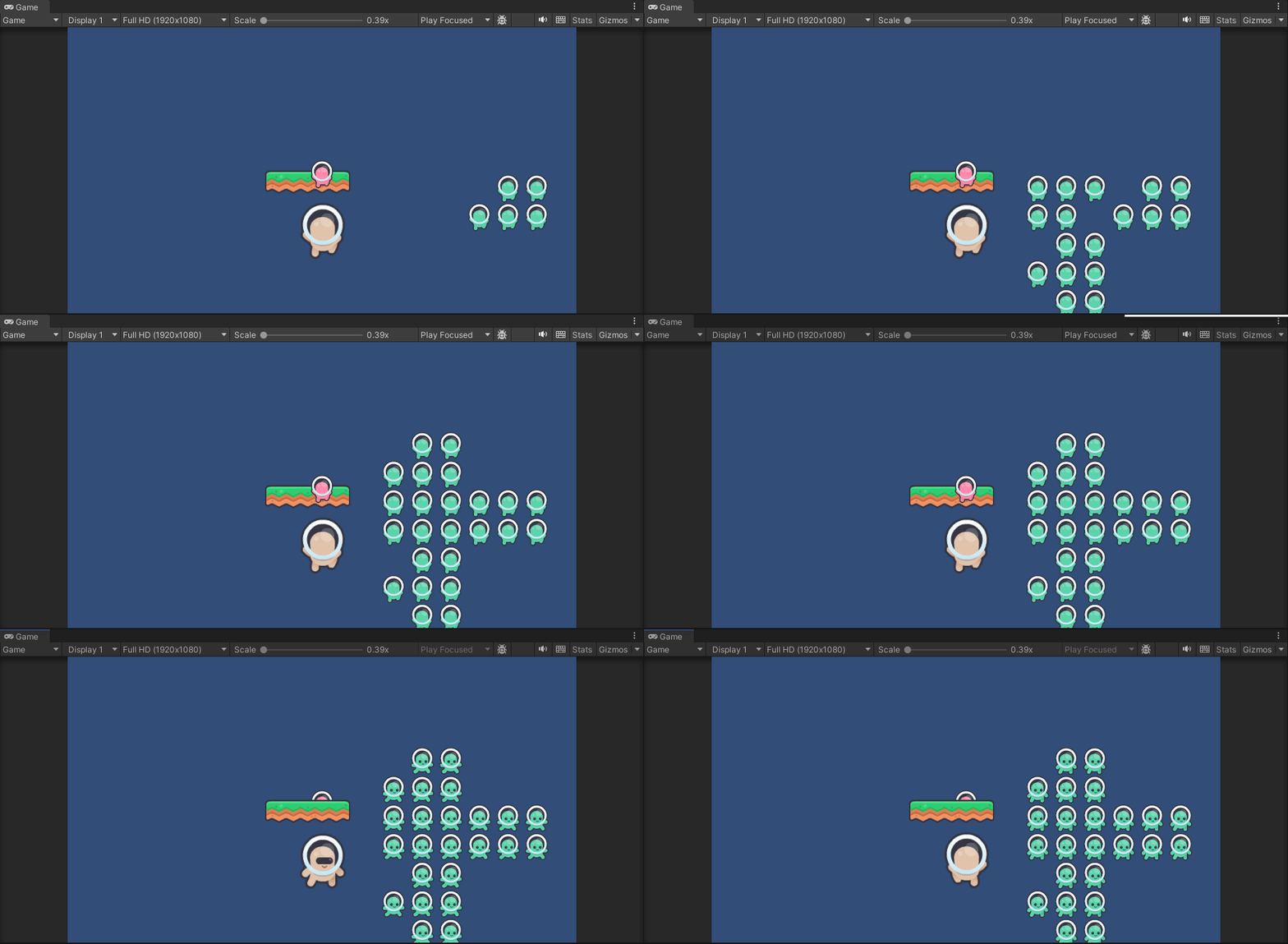
}
'📖TIL' 카테고리의 다른 글
| 251120 (0) | 2025.11.20 |
|---|---|
| 251118 (0) | 2025.11.18 |
| 251114 (0) | 2025.11.14 |
| 251113 NavMesh (0) | 2025.11.13 |
| 251113 스크립터블 오브젝트 (0) | 2025.11.13 |